
Stop Doing This—It’s Destroying Your HDD| Tech News
📰 Published on: 2025-06-26 20:00:00 | Author: Yasir Mahmood
🔗 Source: www.makeuseof.com


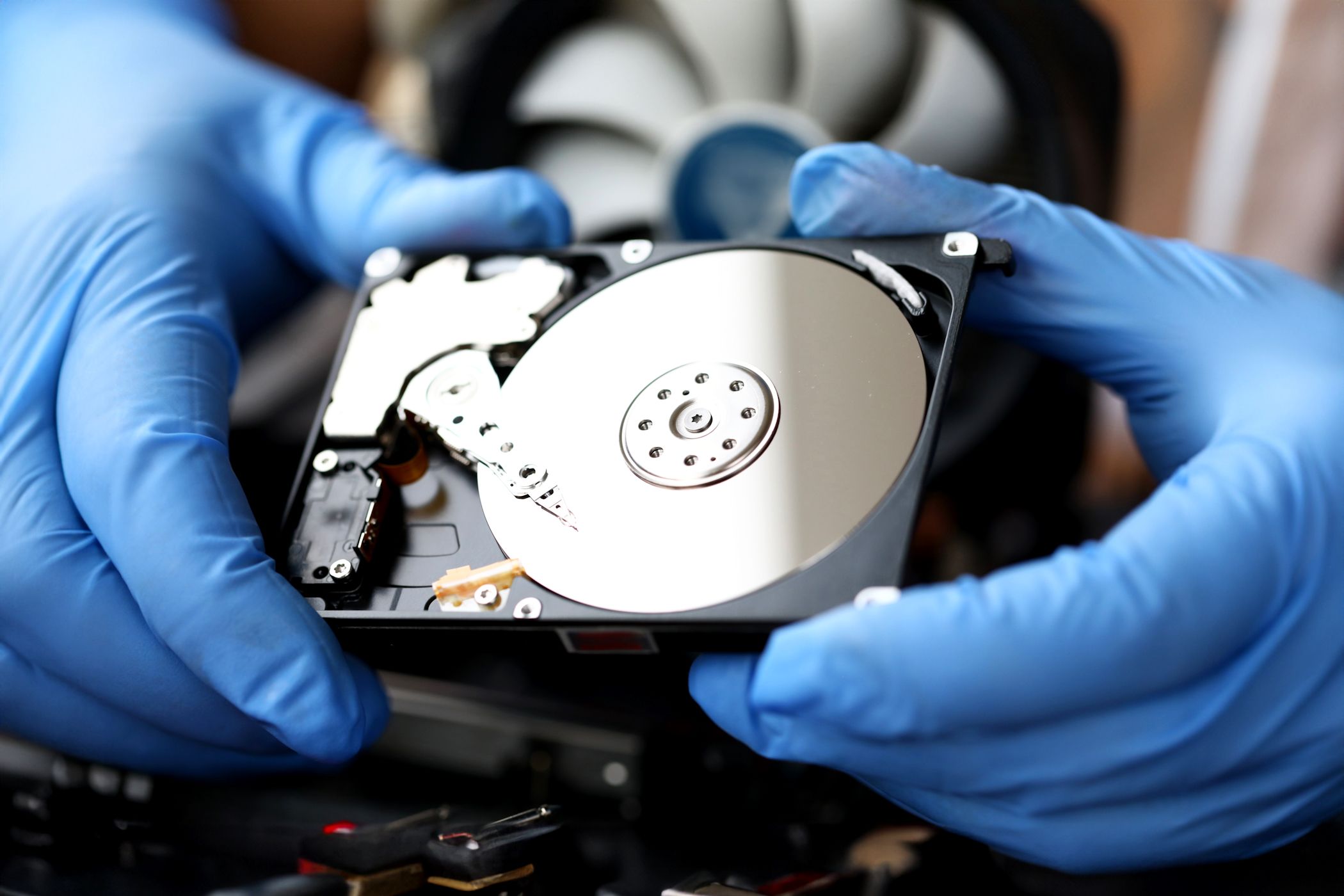
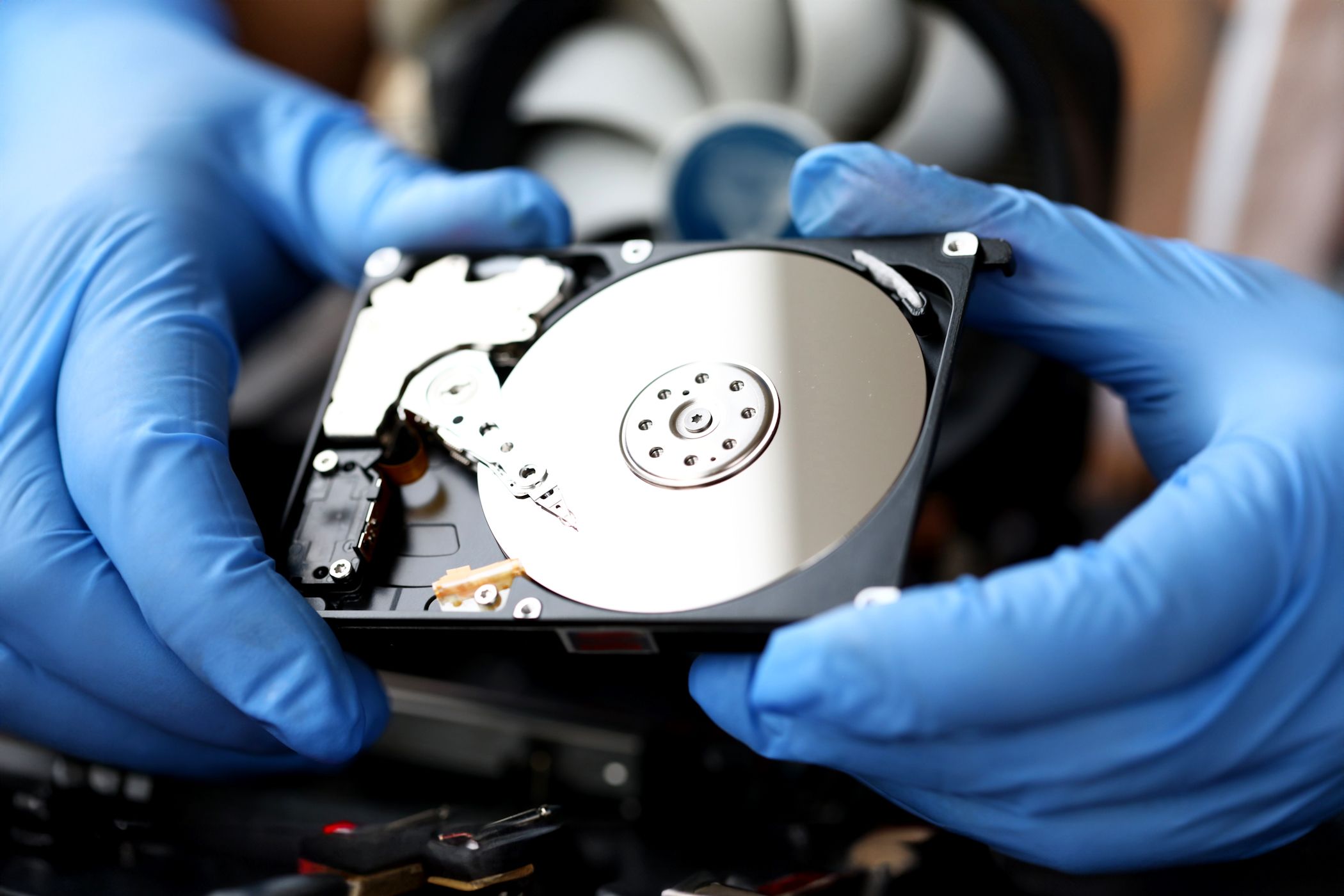
Your hard drive stores everything important to you, including photos, documents, and cherished memories. Yet most people unknowingly destroy their hard disk drives through everyday habits that seem harmless. HDDs may fail prematurely, and the culprits are always the same preventable mistakes that nobody talks about.
6
Shutting Down Your Computer Improperly

I cringe every time I see someone yank the power cord to shut down their computer. It feels quick and harmless, but your HDD is frantically trying to complete write operations when you cut the power.
During these moments, the drive’s read/write heads are positioned over spinning platters (disks). An abrupt shutdown forces them to emergency park, potentially corrupting data sectors or damaging the mechanical parts inside.

Related
Here’s what is really bad—people think one improper shutdown won’t matter. But this damage accumulates over time, slowly degrading your drive’s reliability until it fails completely.
The solution is simple: just use Windows’ proper shutdown sequence or shut down with a keyboard shortcut for speed. If you experience power outages, it’s better to invest in an Uninterruptible Power Supply (UPS) that gives your computer time to shut down safely and has other benefits as well.
5
Filling Your HDD to Maximum Capacity

Don’t cram files in your hard drive until there’s no space left. This habit is slowly killing your HDD, and here’s why it matters.
When your drive reaches maximum capacity, Windows can’t create temporary files or perform essential maintenance operations. Your system starts thrashing, constantly searching for tiny bits of free space to complete basic tasks. It forces your drive to work exponentially harder, generating excess heat and wear.
Your HDD needs breathing room; typically, 10-15% of total capacity should remain free for optimal performance.

Related
My Primary Storage Is Always Full: Here’s What I’m Doing to Fix the Problem
It’s easy to make space when your primary storage drive is full.
The constant struggle to find available space also fragments your data across various sectors, causing your drive to work overtime during every file operation. Your computer may slow to a crawl simply because you ignored storage warnings.
If you want to reclaim space, start by identifying what’s filling up your hard drive and removing unnecessary files. Doing so will improve your drive’s performance and extend its lifespan.
4
Heat Is Your HDD’s Silent Killer

Heat destroys HDDs in ways most people never realize. Overheated hard drives may appear fine externally, but they often fail within months due to thermal damage.
Hard drives contain precision mechanical components that expand and contract in response to changes in temperature. When these parts get too hot, the tolerances between read/write heads and platters shift, causing data errors and permanent damage.
Mostly, dust-clogged fans and blocked air vents create furnace-like conditions inside the computer case. Check your drive temperatures regularly—anything above 55°C (131°F) is concerning, and temperatures over 60°C (140°F) spell trouble. You should clean your desktop computer every few months, specifically the fans and vents, to ensure proper airflow around your drives.
Consider adding case fans or repositioning your computer away from heat sources. HDDs operate optimally in cool, well-ventilated environments, and maintaining proper temperatures can significantly extend their lifespan.
3
Moving Your Computer While It’s Running Is a Bad Idea
Microscopic read/write heads hover just nanometers above spinning disks rotating at 7,200 RPM inside a hard drive. Any sudden movement or vibration can cause these heads to crash into the disk surface—a catastrophic failure called a head crash.
Even gentle movements can create problems. If you shift your computer while it’s running, it can introduce vibrations that force the drive’s internal mechanisms to work harder to maintain proper positioning.
This constant compensation accelerates wear on components. On the other hand, laptops handle movement better due to shock-resistant designs, but desktop drives expect stability.
The solution is simple: always power down your computer before moving it. If you absolutely must relocate a running system, move it slowly and steadily, avoiding any jarring motions. Better yet, invest in an SSD for portability—but if you’re stuck with an HDD, treat it like the precision instrument it actually is.
2
Not Defragmenting Your HDD Regularly
When Windows saves files, it doesn’t always find contiguous space, and often splits data across multiple locations on your drive. The HDD’s read/write heads must constantly jump around the disk to reassemble these fragmented files. This excessive seeking motion creates unnecessary wear on mechanical components while making every file operation slower and more stressful for your drive.
Luckily, Windows includes built-in defragmentation tools that reorganize scattered data into contiguous blocks. Learning how to defrag a hard disk drive in Windows can improve both performance and drive longevity.

Related
Solid-state drives are excellent, fast, and reliable. But when it comes to taking care of them, it’s not the same ballgame as your old HDD.
Schedule weekly or monthly defragmentation sessions to keep your HDD running smoothly. The process consolidates fragmented files, reduces mechanical stress and heat generation while making your system noticeably more responsive. It is a simple maintenance that prevents long-term damage.
1
Not Monitoring Your Drive’s Health
You can’t wait until the hard drive starts making clicking sounds before checking its health—by then, it’s too late.
HDDs include Self-Monitoring, Analysis, and Reporting Technology (SMART), which tracks important statistics such as temperature, error rates, and pending sector counts. These metrics reveal problems before catastrophic failure occurs, provided you monitor them.
You can check your drive health using CrystalDiskInfo, a free utility that displays SMART data in an easy-to-understand format. When you see warning signs, such as increasing reallocated sectors or rising temperatures, it’s time to back up your data and consider replacement.

The alternative is losing everything without warning. Just like CrystalDiskInfo, there are numerous other free tools that tell if your hard drive is about to fail, giving you time to back up your data.
Download: CrystalDiskInfo (Free)
Don’t ignore yellow or red health warnings in HDD monitoring software, as they can mean caution or a severe warning.
These habits might seem minor, but they’re silently destroying your hard drive every day. Small changes in how you treat your HDD can add years to its lifespan and save you from losing irreplaceable data.
This article was automatically curated by MakeUseOf for tech enthusiasts.
Tags: | Hashtags: #Stop #ThisIts #Destroying #HDD
Categories: Technology Explained,Hard Drive,Storage,Troubleshooting
Current Time: 1751094005